
 Back
Back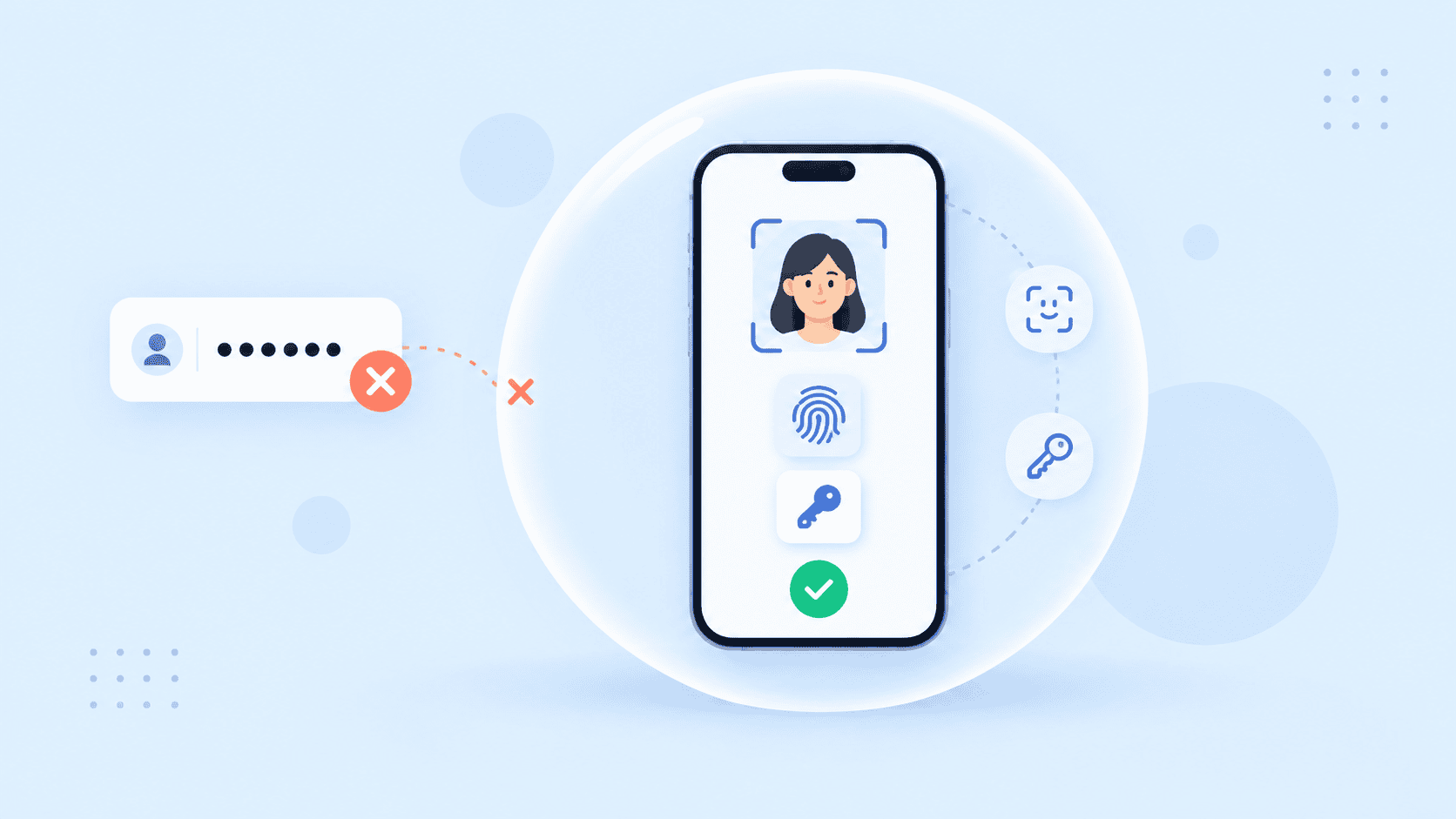
A stolen password shouldn’t be enough to take over an account. Neither should a copied face image, intercepted one-time code, or compromised device. Biometric multi factor authentication addresses that problem by requiring evidence from more than one independent factor before access is granted.
The important distinction is that adding a fingerprint or face scan does not automatically make an authentication flow strong. Security depends on what the biometric is paired with, where matching occurs, how the cryptographic credential is protected, whether spoofing is checked, and what happens when the user loses a device.
This guide focuses on that architecture: how biometric MFA works, which combinations provide meaningful protection, and how to deploy it without creating a fragile recovery process or a new biometric privacy risk.
Key Takeaways
- A biometric should usually be paired with a possession-based or cryptographic factor rather than treated as a standalone credential.
- Biometric MFA and biometric 2FA are strongest when the biometric activates a device-bound passkey or another cryptographic authenticator.
- A face or fingerprint does not make an authentication flow phishing-resistant by itself. The cryptographic protocol matters.
- Liveness or presentation attack detection, rate limiting, recovery design, and biometric data protection are part of authentication security, not optional extras.
- Account recovery must maintain comparable assurance or attackers may simply bypass strong login controls through the recovery path.
What Biometric Multi Factor Authentication Actually Means
Multi-factor authentication requires evidence from different authentication factor categories. Those categories are commonly described as:
- Something you know: a password, PIN, or other memorized secret
- Something you have: a registered device, passkey, security key, smart card, or cryptographic credential
- Something you are: a fingerprint, face, iris, or another biometric characteristic
A biometric plus password login can therefore qualify as two-factor authentication when the implementation genuinely verifies both independent factors. A passkey protected by a fingerprint or face scan is another common model: the device possesses a cryptographic key, while biometric verification locally authorizes use of that key.
That distinction matters because NIST does not treat a biometric characteristic as a standalone authenticator. Under its current Digital Identity Guidelines for Authentication Assurance, biometrics are used alongside a physical authenticator.
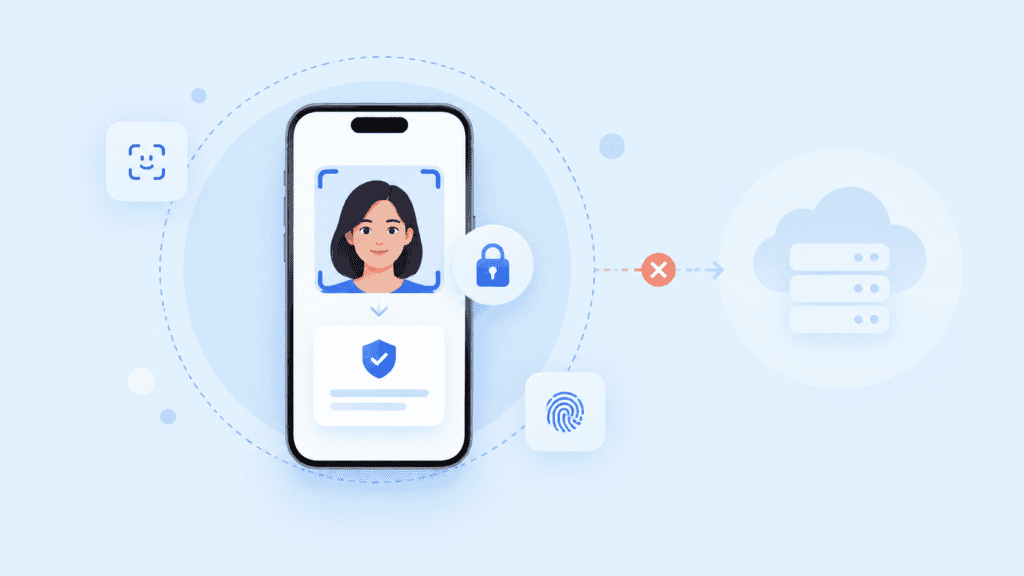
Biometric authentication is not automatically MFA
A website that simply replaces a password with central facial matching has changed its authentication method, but it has not necessarily implemented multi-factor authentication.
Likewise, asking for two biometric traits does not automatically provide two independent factors. A face scan followed by a fingerprint scan may be multimodal biometric authentication, but both still fall under the “something you are” category.
True multi-factor biometric authentication combines the biometric with another factor class.
This distinction is especially relevant when evaluating different biometric authentication methods. Face, fingerprint, iris, and other modalities have different operating characteristics, but factor independence is what determines whether the workflow is actually MFA.
How Biometric Multi Factor Authentication Works
A well-designed biometric MFA flow does more than compare a body characteristic with a reference. It combines biometric verification with control of a credential or device that an attacker cannot reproduce simply by obtaining a photograph, fingerprint impression, or stolen password.
Consider a face-plus-passkey login.
The user first registers a cryptographic credential with the service. During authentication, the relying party sends a unique challenge to the authenticator. Before the authenticator can use its private key to sign that challenge, it requires local user verification through a face scan, fingerprint, or PIN.
The relying party then verifies the signed response using the registered public key.
Conceptually, the flow is:
Account → registered authenticator → local biometric verification → cryptographic challenge signing → server verification → access
The biometric confirms that the expected user is operating the authenticator. The cryptographic key proves possession of the registered authenticator.
Why passkeys change the security model
With traditional biometric 2FA, an organization might request a password and then perform a separate biometric comparison. That can improve security, but the password remains phishable.
A FIDO2 or WebAuthn credential changes the design. Public-key credentials are scoped to the relying party, and the private key remains controlled by the authenticator. The W3C’s Web Authentication specification defines this public-key credential model and supports local user verification through methods such as biometrics.
An application can explicitly require user verification during a WebAuthn authentication ceremony:
const assertion = await navigator.credentials.get({
publicKey: {
challenge,
rpId: “example.com”,
allowCredentials,
userVerification: “required”
}
});
userVerification: “required” means authentication should fail if the authenticator cannot perform user verification. The exact verification mechanism may be a fingerprint, facial biometric, device PIN, or another authenticator-supported method.
This is why MFA with biometrics should be evaluated as a complete protocol rather than by asking only whether a face or fingerprint is present.
Where Biometric MFA Strengthens Security
The main value of biometric MFA is not simply adding one more hurdle. It is reducing the chance that compromise of a single credential gives an attacker everything required to impersonate the user.
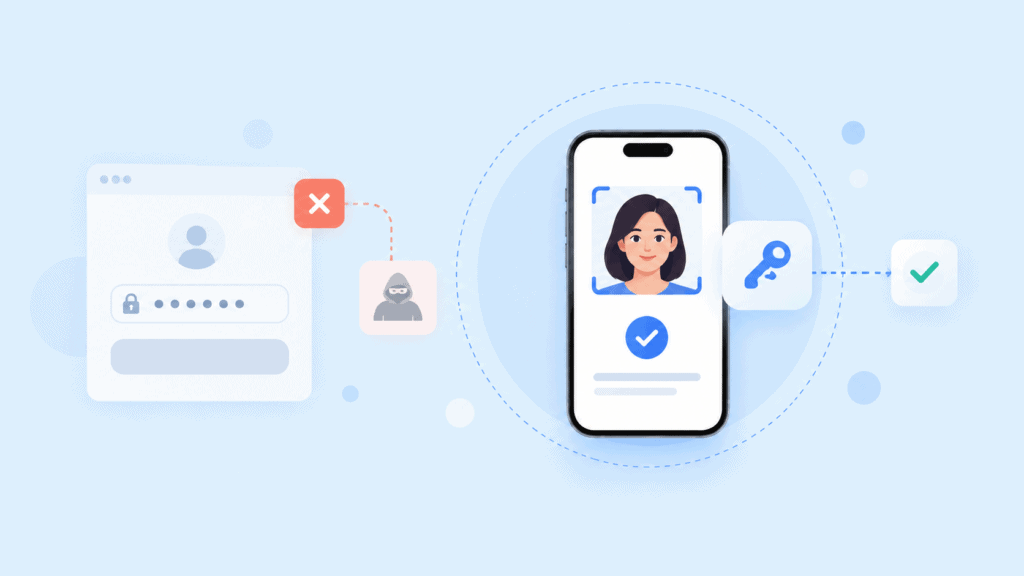
Stolen passwords become less useful
Credential stuffing works because passwords are frequently reused or exposed through unrelated breaches. Phishing can capture even a unique password.
When a separate biometric-protected possession factor is required, possession of the password alone does not complete authentication.
This is one reason CISA recommends MFA broadly and advises organizations to use stronger, phishing-resistant options where possible. Its current MFA guidance also notes that SMS and email codes provide weaker protection than stronger authentication mechanisms.
Passkeys can reduce phishing exposure
The biometric itself is not what makes a passkey phishing-resistant.
The important control is the public-key credential and its relationship to the legitimate relying party. An attacker who creates a convincing copy of a login page should not be able to take a valid authentication response and replay it against another origin.
The FIDO Alliance describes FIDO credentials as service-bound public-key credentials designed to resist phishing. When biometrics are used with a FIDO authenticator, the biometric generally remains an authorization mechanism for using the credential rather than a secret transmitted to the website.
Organizations considering this architecture can also review how FIDO2 authentication works before choosing between password-based MFA and passwordless options.
Step-up authentication becomes less disruptive
Not every action requires the same level of assurance.
A user might remain signed in while browsing account information but be asked to perform stronger authentication before:
- changing payout details;
- adding a new recovery method;
- viewing highly sensitive records;
- transferring money;
- approving an administrator action;
- enrolling a new device.
Biometrics can make these step-up events comparatively quick because the user does not need to retrieve a code or manually enter another secret.
The stronger design is not “ask for a selfie whenever something looks risky.” It is to require fresh control of a trusted authenticator and use the biometric to verify the person activating it.
How to Design a Secure Biometric MFA Deployment
The biggest biometric MFA failures usually happen around the authentication event rather than inside the matching algorithm itself.
A production design needs to account for biometric spoofing, storage, device loss, fallback authentication, credential enrollment, and recovery.
Prefer device-bound cryptographic authentication
Whenever the application supports it, pair biometrics with a cryptographic authenticator such as a passkey or hardware security key rather than simply adding biometrics after a password.
This separates the factors cleanly:
Possession: the device or security key controls the private credential.
Inherence: the biometric verifies the person attempting to activate it.
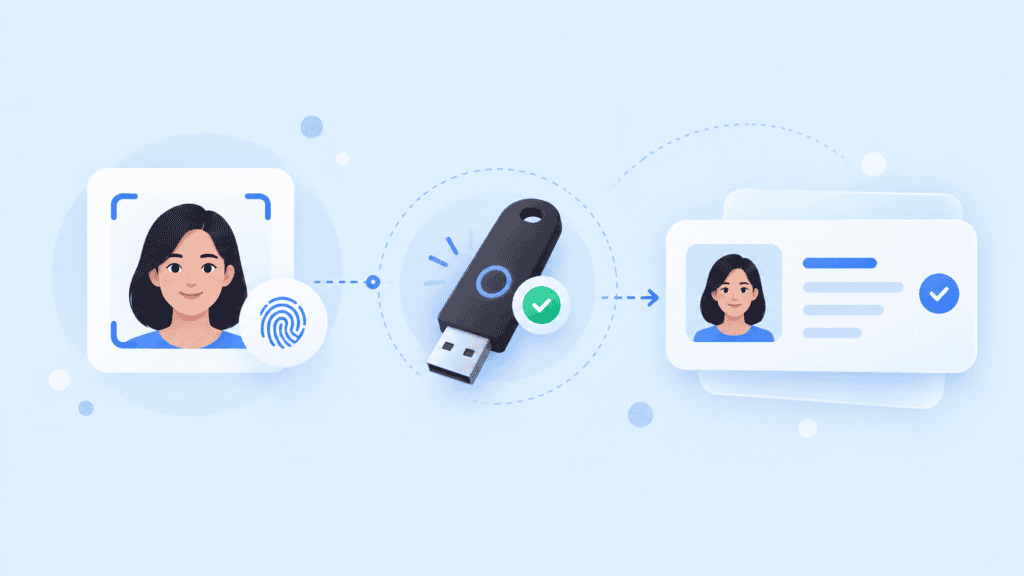
PrivateID’s biometric authentication architecture illustrates this pattern through facial biometric plus passkey authentication. Its documented workflow also supports other authentication options for step-up and recovery scenarios.
This matters because “face plus passkey” is materially different from “face plus an SMS code.” Both may satisfy a two-factor design under some circumstances, but they have different exposure to phishing, SIM swapping, interception, and recovery attacks.
Protect against presentation attacks
A biometric system should determine whether it is seeing a legitimate live capture rather than merely finding features that resemble the enrolled user.
For face authentication, attacks can include:
- printed photographs;
- images displayed on another screen;
- replayed video;
- masks;
- synthetic or manipulated imagery;
- injected camera streams.
Presentation attack detection, often called liveness detection, addresses this layer.
Current NIST guidance requires presentation attack detection for facial recognition used under its biometric authentication requirements and recommends appropriate controls for other relevant modalities. NIST also requires organizations to provide a non-biometric alternative to subscribers.
That alternative is important. Cameras fail. Fingers become injured. Accessibility requirements vary. A secure system needs another controlled route rather than turning failure into an unrestricted help-desk override.
Decide where biometric matching occurs
Centralized biometric databases create a fundamentally different risk profile from local matching.
Passwords can be reset after exposure. A person’s face or fingerprint cannot be replaced in the same way.
For authentication use cases, local biometric verification can limit how much biometric information must travel through central infrastructure. NIST specifically notes that local biometric comparison is preferable to central comparison because centralized verification can create larger-scale attack opportunities.
Organizations should document:
- whether raw biometric captures leave the endpoint;
- whether templates are stored centrally;
- how stored representations are protected;
- whether the representation can be revoked or reissued;
- which systems can access biometric information;
- how long authentication samples are retained.
Privacy architecture belongs in the threat model from the beginning.
Treat recovery as part of MFA
A strong login flow can be undermined by a weak “forgot my device” process.
Suppose normal access requires a passkey plus biometric verification, but losing the device lets the user regain access using an emailed link and a few easily researched questions. The effective assurance level of the account is now determined by that recovery process.
A safer recovery flow may require another trusted factor or renewed identity proofing before a new authenticator can be enrolled.
A practical sequence could be:
Lost authenticator → identify account → verify an independent recovery factor → perform identity re-proofing when necessary → enroll new authenticator → invalidate old credential
The security team should threat-model this sequence with the same care used for login.
Biometric MFA Implementation Example
Consider an online financial platform that wants to protect account access and high-value transfers without forcing customers to enter multiple codes every session.
At enrollment, the customer completes the platform’s identity proofing process and registers a passkey on a trusted device.
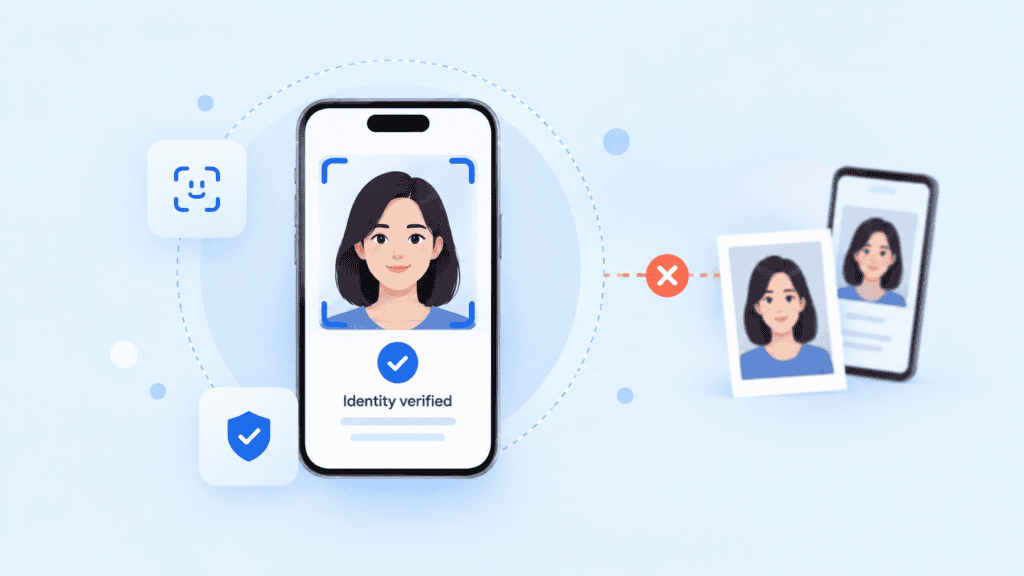
For routine authentication:
- The service issues a WebAuthn challenge.
- The device requests local user verification.
- The customer completes a fingerprint or face check.
- Successful verification activates the passkey.
- The authenticator signs the challenge.
- The service validates the cryptographic assertion before creating the session.
No standalone password needs to become the primary credential.
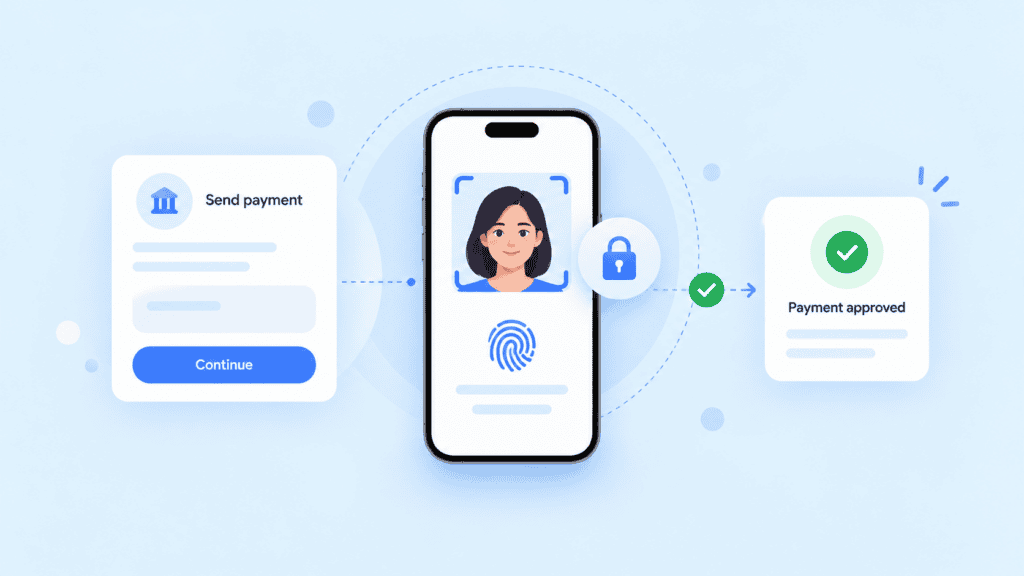
Now consider a request to change the account’s payout destination. The system can require a fresh authentication ceremony instead of trusting an old session cookie. Risk signals such as a new device or abnormal location can trigger additional identity checks.
The policy might be represented conceptually as:
{
“login”: {
“credential”: “passkey”,
“user_verification”: “required”
},
“high_risk_action”: {
“fresh_authentication”: true,
“biometric_verification”: true
},
“new_device_recovery”: {
“existing_authenticator”: “preferred”,
“identity_reproofing_if_unavailable”: true
},
“sms_otp”: {
“role”: “restricted_fallback”
}
}
This is an architectural example, not a vendor-specific configuration schema.
The important part is the relationship between the controls. The biometric is not being bolted onto the end of a password screen. It is participating in a credential lifecycle that covers enrollment, normal authentication, sensitive transactions, lost devices, and recovery.
A similar approach can be incorporated into a broader identity management workflow when authentication must connect with identity proofing, account recovery, authorization, or fraud controls.
Test failure paths before rollout
Teams often test the happy path repeatedly and spend far less time testing what happens when authentication goes wrong.
Before deploying biometric MFA, test cases should include:
| Scenario | Expected security behaviour |
| Correct biometric, unregistered device | Access denied or new-device verification required |
| Registered device, incorrect biometric | Authentication blocked after controlled retries |
| Replayed face image | Presentation attack controls reject capture |
| Stolen password | Insufficient without required second factor |
| Phishing page | Passkey cannot authenticate to the attacker’s origin |
| Lost trusted device | Controlled recovery process begins |
| Biometric temporarily unavailable | Approved non-biometric alternative is offered |
| New authenticator enrollment | Fresh high-assurance authentication required |
| Existing session requests sensitive change | Step-up authentication required |
This testing reveals an important security principle: the strongest factor in a system does not determine the security of the account. The weakest acceptable route to account access often does.
Conclusion
Biometric multi factor authentication is strongest when biometrics are part of a well-designed cryptographic authentication system rather than treated as a more convenient replacement for a password.
For many applications, the practical model is a passkey or another possession-based authenticator protected by facial or fingerprint verification, backed by anti-spoofing controls and a recovery process that preserves the same security assumptions.
The question to ask is not simply, “Does this login use biometrics?” It is, “What must an attacker control, reproduce, or bypass before the system accepts them as the user?”
FAQs
What is biometric multi factor authentication?
Biometric multi factor authentication requires a biometric characteristic, such as a face or fingerprint, together with an authentication factor from another category. A common example is biometric user verification combined with a device-held cryptographic passkey.
Is a fingerprint alone considered MFA?
No. A fingerprint by itself represents one authentication factor: something you are. MFA requires another independent factor, such as possession of a registered cryptographic authenticator or knowledge of a secret.
Is biometric 2FA more secure than password and SMS authentication?
It can be, depending on the architecture. A biometric-protected FIDO passkey avoids several weaknesses associated with passwords and SMS, while a centrally matched biometric paired with a password may retain phishing and biometric-storage risks.
Can biometric MFA be phishing-resistant?
Yes, when the biometric activates a phishing-resistant cryptographic authenticator such as a properly implemented FIDO2 passkey. The biometric itself does not provide phishing resistance. That property comes primarily from the authentication protocol and origin-bound cryptographic credential.
What happens if biometric authentication fails?
A production system should offer a secure alternative that does not simply bypass the existing controls. Depending on the application, that could involve an authenticator PIN, another registered security key, or a controlled account recovery and identity re-proofing process.
Should biometric templates be stored on a central server?
Local verification is generally preferable when the use case permits it because it can reduce centralized biometric exposure. If central matching is required, organizations need additional controls for storage, access, template protection, transmission security, retention, and revocation.
Is biometric MFA the same as passwordless authentication?
Not necessarily. Biometric MFA can still include a password. Passwordless authentication removes the password and commonly combines a cryptographic credential with local user verification, such as a face scan, fingerprint, or device PIN.